
Launch in Days, Not Weeks
Professional one-page website. Only a few slots left this month
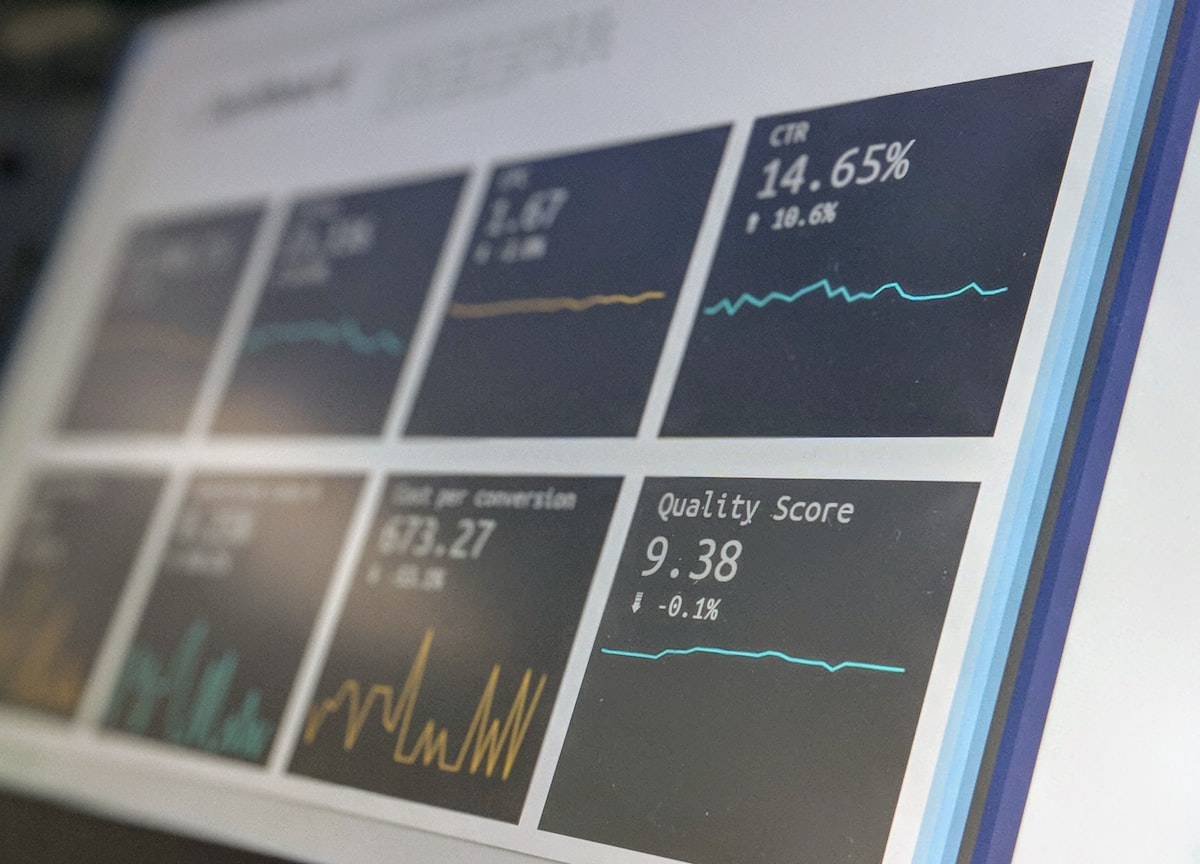
Three weeks after launch, organic traffic is down 42 percent. Rankings for your money keywords have slipped to page two. The redesign was supposed to grow traffic, not torch it. This is what happens when SEO is treated as a launch task rather than a redesign discipline.
Most post-redesign traffic drops come from one of three root causes. In the worst cases, all three happen simultaneously.
Broken redirects. Old URLs either return 404 errors or redirect to the wrong destination. Google’s indexed URLs return nothing useful. Any link equity built over years evaporates.
Lost content depth. The redesign merged or deleted pages that ranked individually. A “services overview” page replaces six individual service pages. Each of those pages had rankings and backlinks that are now orphaned.
Technical SEO regression. The new build renders pages differently, blocks crawlers in robots.txt, ships without canonical tags, or loses structured data. Sometimes the staging environment’s noindex directive gets pushed to production.
All three are preventable. None of them require deep technical knowledge. They require a checklist completed at the right stages.
Complete these before the new site goes anywhere near a production domain.
Crawl audit (do this first):
URL mapping:
Content audit:
Technical checks on staging:
Disallow: /)The day of DNS transfer is the riskiest window. Complete these in order.
Immediately after DNS propagation:
Within two hours of launch:
Within 24 hours:
Traffic changes after a redesign are normal for 30 to 60 days. Google recrawls, re-evaluates, and redistributes rankings. Some fluctuation is expected. What you are watching for is sustained decline or specific page-level drops.
Daily for the first week:
Weekly for four weeks:
Warning signs that need immediate attention:
Full rollbacks are rarely needed if you catch problems within the first week. Partial rollbacks are more common.
Safe to undo quickly: noindex tags added in error, robots.txt changes, meta changes, canonical updates.
Harder to undo: URL changes that have already been recrawled and deindexed, content merges where the original is no longer live.
The trigger for escalation: if any high-value page loses more than 50 percent of its impressions within 14 days and you cannot identify a clear cause, escalate. Check whether the page is still indexed by searching site:yourdomain.com/page-url. If it has dropped from the index, check for noindex, canonical issues, or crawl blocking.
A UK professional services firm migrated 142 URLs from an aged WordPress site to a new Astro build. By running the pre-launch checklist above, mapping all 142 URLs to their new equivalents, and completing a staged redirect implementation, the migration achieved zero percent organic traffic loss in the 90 days following launch. Rankings on key service-line terms actually improved in week six, because the new site scored 91 on mobile PageSpeed Insights versus 34 on the old site.
The checklist was not glamorous work. The outcome was.
If you are mid-redesign or planning one and want a second opinion on your SEO handover plan, book a migration scoping call. We run this process on every web development and web design project we take on, and we can review your redirect map or crawl export directly.