
Launch in Days, Not Weeks
Professional one-page website. Only a few slots left this month
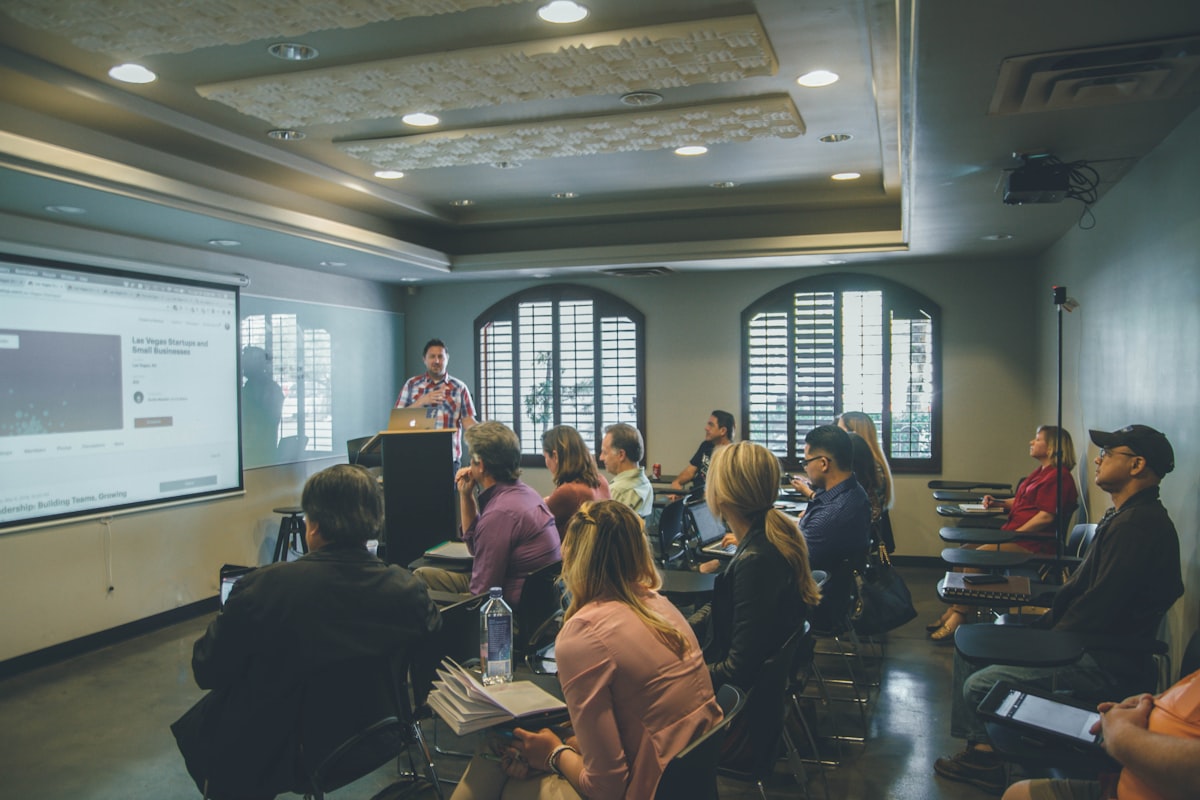
Eventbrite charges 6.95% plus 59p per ticket in 2026. For a £97 workshop with 20 attendees, that’s over £162 in platform fees. A custom booking page on your website costs zero per ticket, keeps visitors on your domain, and gives you full control over the checkout experience.
According to Ticketing Fees UK’s analysis of Eventbrite fees for 2026, selling 500 tickets at £25 each means Eventbrite takes £1,162.50; nearly 10% of gross revenue. For workshop facilitators running regular events, those fees compound fast. Own your booking page and you keep 97-98% of revenue after Stripe payment processing (1.5% + 20p per transaction).
Here’s what workshop booking pages need to sell out events without bleeding money to platforms.
Your booking page hero needs five facts immediately visible:
Visitors decide in 5 seconds whether this is relevant. Don’t bury critical information below the fold or force them to scroll for dates. Everything they need to know should fit above the fold.
Weak hero:
Join us for an amazing workshop on email marketing! Limited spaces available.
Strong hero:
Email Marketing Bootcamp for Freelancers Build a 30-day email sequence that converts leads to buyers Saturday 17th May 2026, 10am-1pm | The Exchange, Nottingham £97 per ticket | 8 of 20 spots remaining [Book Your Spot]
The second version answers every question a visitor has before they scroll. It’s scannable, specific, and conversion-focused.
For Fernside Studio Sites, we structure workshop booking pages like landing pages: single-column layout, clear hierarchy, one primary CTA (“Book Your Spot”). No distractions, no secondary navigation, just conversion.
Real-time spot counters, early-bird pricing deadlines, or cohort closure dates create urgency. Fake urgency damages trust.
Real urgency examples:
Fake urgency to avoid:
According to Lunacal’s calendar scheduling report for 2026, the top 10% of scheduling pages convert at 30-33%, roughly double the 15.1% average. The difference is often urgency; real deadlines create action, fake scarcity creates distrust.
Use real scarcity:
Real urgency works. Fake urgency backfires.
Don’t just describe the workshop; describe the outcome. Parents don’t buy “a 3-hour workshop on email marketing.” They buy “walk away with a 30-day email sequence written and ready to send.”
Outcome-focused agenda structure:
This structure tells attendees exactly what they’ll create during the workshop (deliverables) and how the time is structured (agenda). Specificity reduces purchase anxiety.
For practical copywriting advice, read our guide on how to write website copy that converts. The same principles apply to workshop booking pages.
Show testimonials from previous workshops with attendee names, job titles, and specific outcomes.
Weak testimonial:
“Great workshop! Really enjoyed it.”
Strong testimonial:
“I landed two new clients from the email sequence I built during this workshop. Worth 10x the ticket price. Emma’s frameworks are practical, not theoretical fluff.”. Tom R., Freelance Designer, Manchester
Include photos of past workshops to prove they’re real, well-attended events. Even a simple phone photo of attendees working beats stock imagery.
Photo caption example:
“March 2026 workshop at The Exchange, Nottingham. 18 attendees, sold out in 5 days.”
Social proof positioned near your booking CTA reinforces the decision to buy. Visitors read testimonials immediately before clicking “Book Now”; make them easy to find.
If you’re running your first workshop and don’t have testimonials yet, show credentials instead: “I’ve sent over 500 emails for clients generating £2M in revenue. This workshop distils the exact frameworks I use.”
For more on building credibility without extensive social proof, read our guide on building trust without case studies.
Embed Stripe Checkout or PayPal directly on your booking page. Visitors fill out a simple form (name, email, dietary requirements if in-person) and pay in one flow.
What not to do:
What to do:
According to Eventbrite’s pricing page for organisers, their fees are 6.95% + 59p per ticket. For comparison, Stripe charges 1.5% + 20p for UK domestic cards. On a £97 ticket:
You save £5.67 per ticket. For a 20-person workshop, that’s £113.40 saved; enough to cover your website hosting for a year.
Over 60% of event bookings happen on mobile, according to RMS Cloud’s hotel booking conversion research. Workshop bookings follow the same pattern.
Mobile checkout best practices:
Test your checkout flow on a real phone, not just desktop browser dev tools. Broken mobile checkout kills conversions.
For Fernside Studio Sites, we test every checkout flow on iPhone and Android before launch. Mobile-first design isn’t optional; it’s how most of your attendees will book.
Every element should guide visitors towards one decision: “Book Your Spot.”
If you’re wondering whether you need a dedicated booking page or just an Eventbrite link, read our guide on choosing between one-page and multi-page sites. The answer depends on how often you run workshops and whether you want to own the relationship.
If you run workshops monthly or quarterly, Eventbrite’s 6.95% + 59p per ticket adds up fast. For a facilitator running one £97 workshop per month with 20 attendees:
A custom booking page costs £750-£2,400 once (depending on complexity). It pays for itself in the first year and keeps working for free.
Beyond the financial savings, owning your booking page means:
Fernside Studio builds fast, conversion-optimised booking pages for UK workshop facilitators who need to stop losing money to platform fees.
Our Studio Site includes:
For one-off or quarterly workshops, our Launch Sprint (fixed price) delivers a single-workshop booking page in five days.
If you’re currently using Eventbrite and want to own your bookings, get in touch. We’ll walk through your event schedule and show you how much you’d save with your own booking page.